 Google Ads
 TikTok Ads
 LinkedIn Ads
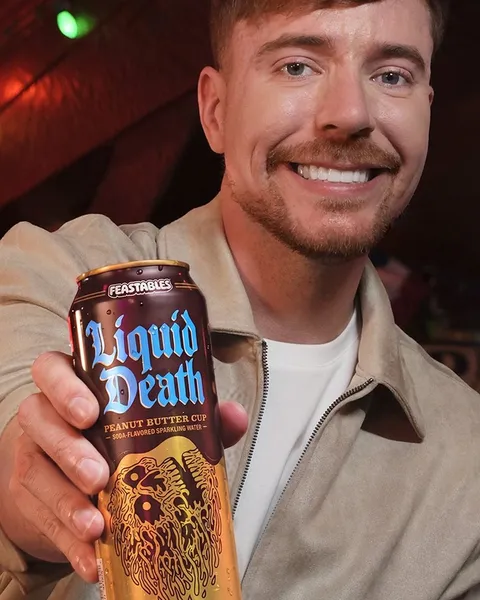
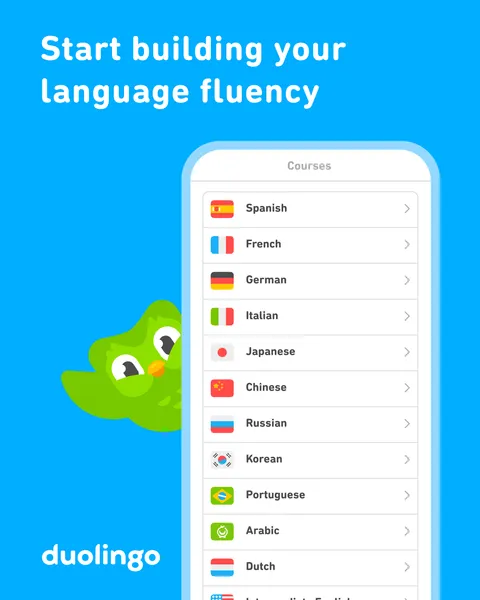
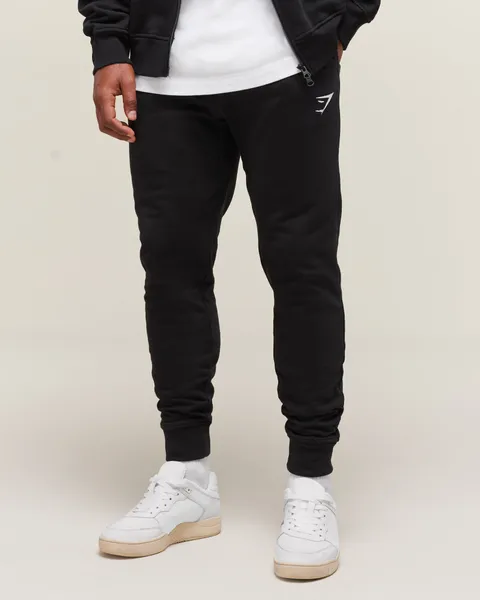
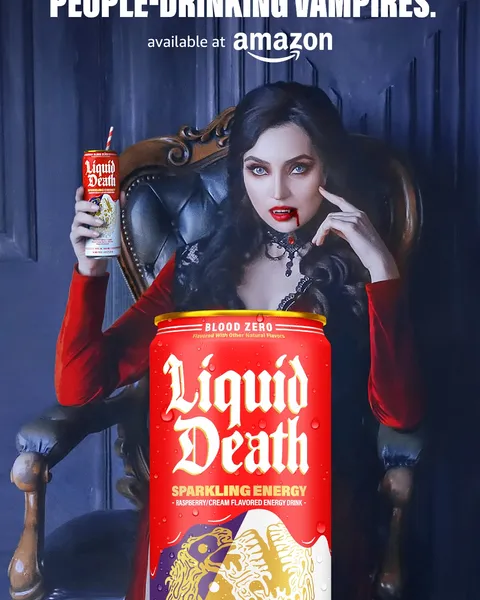
Build a swipe file
Save every competitor creative with its copy, landing page and dates. Search it by brand, format or offer.
Ad library API
Search any brand in the Meta Ad Library and get back its live ads: the creative, headline, copy, call to action, landing page, start date and every placement. Track competitors, build a swipe file or feed it to your agent.
 30 active ads · 2.2M page likes · UK
Real ads from the Meta Ad Library, recorded 23 Sep 2026. A live request returns what is running today.
What you get
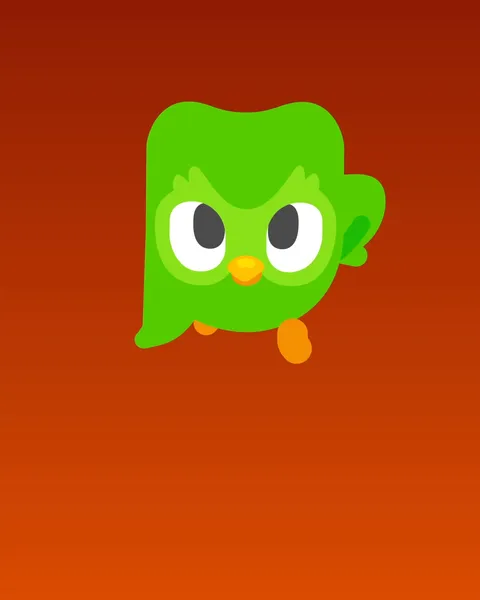
 DuolingoSponsoredStop scrolling. Start checkmating. Learn chess for free with Duolingo.
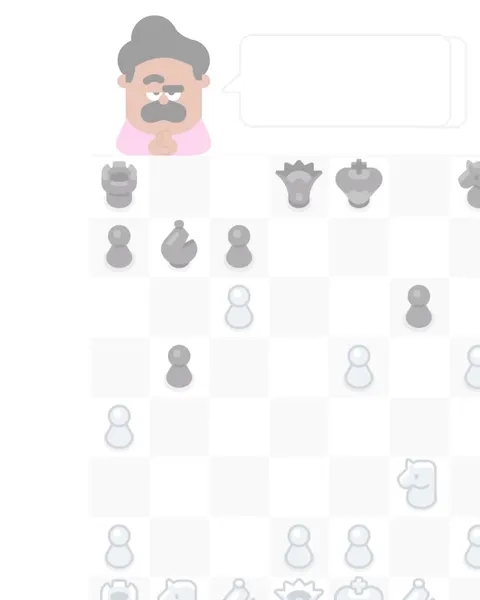 play.google.comNew on Duolingo: ChessInstall now
 +2Facebook, Instagram, Audience Network, Messenger, Threads
What you can build
Save every competitor creative with its copy, landing page and dates. Search it by brand, format or offer.
 Gymshark17
 Liquid Death3
Duolingo0
Run the request on a schedule and compare ad IDs with your last run. Anything new is a new ad, with the date it started.
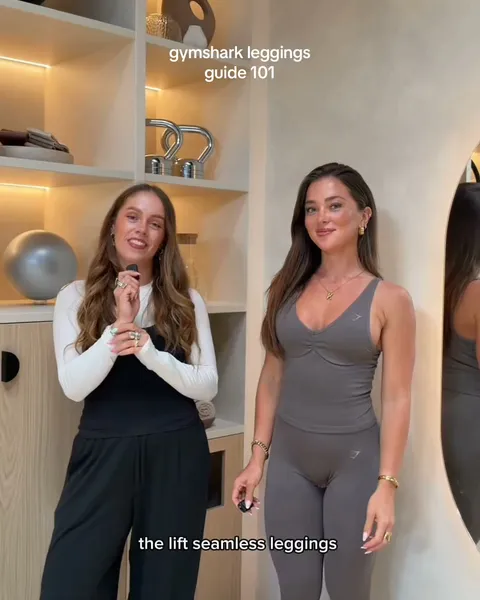
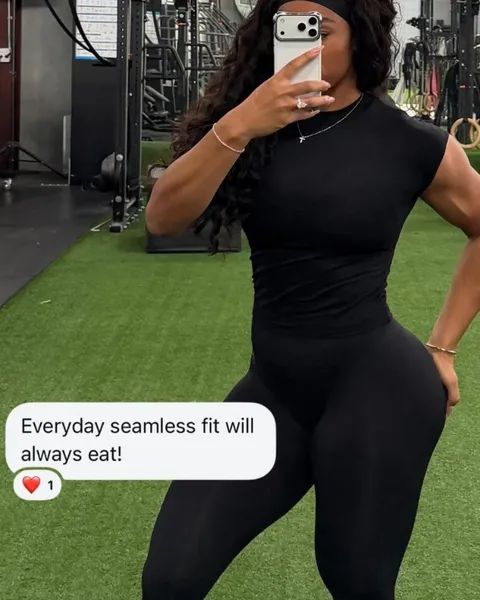
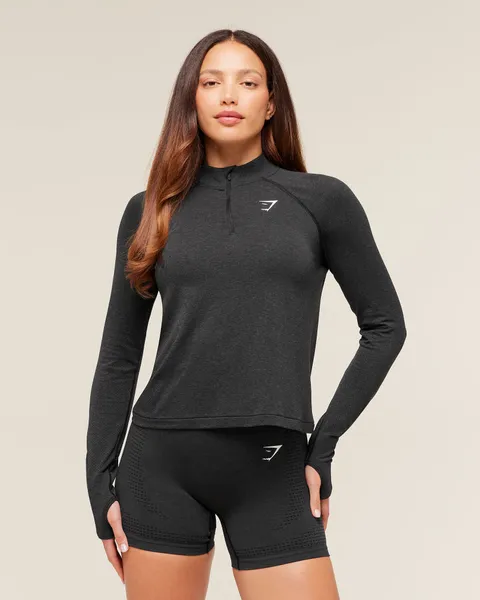
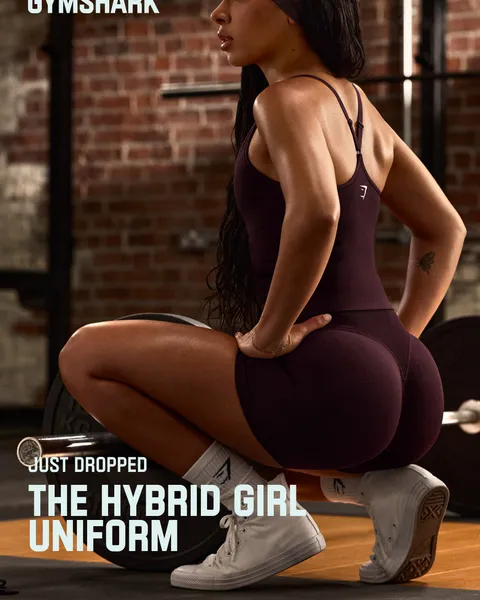
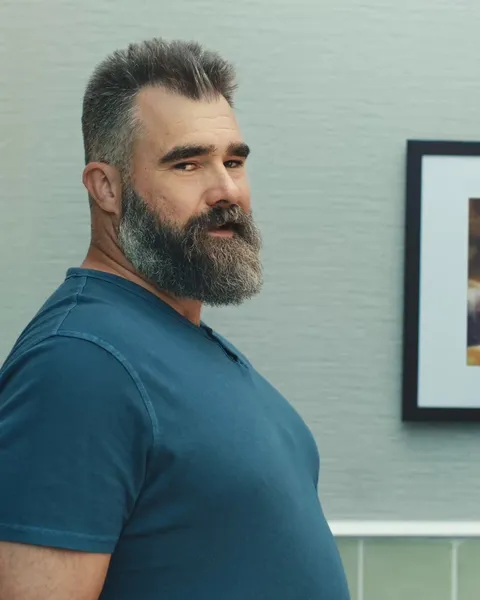
Up to 50% off*Shop nowYOU WON'T BELIEVE IT'S NOT CANDY.Shop nowThe NEW hybrid collection 🥵Shop nowNew on Duolingo: ChessInstall nowSee the discounts, hooks and landing pages each brand is pushing right now, and when they change.
“AI data centers waste millions of gallons of water. …”
Get the spoken words from video ads, so scripts and hooks are searchable like any other text.
How to use it
curl -G https://www.monocrawl.com/v1/meta_ads/company-ads \
  -H "x-api-key: $MONOCRAWL_API_KEY" \
  --data-urlencode "companyName=Gymshark" \
--data-urlencode "country=GB"Pull Gymshark’s active Meta ads in the UK and group them by offer.
Connect your agentCost
One request returns a brand’s live ads. Pick how many brands and how often, at today’s price. Failed requests cost nothing.
About600credits a month
5 brands × 30 checks × 4 credits. Video transcripts are 5 credits each, only when you ask.
Before you start
The creative (image or video), headline, ad copy, call to action and landing page, the date it started running, whether it is still active, where it runs across Facebook, Instagram, Messenger, Threads and Audience Network, and the advertiser’s page. Video ads can also return a transcript of what is said.
No. Search by company name, or pass the page ID if you already have it. Filter by country, status, media type and start date.
The Meta Ad Library, which covers ads on Facebook, Instagram, Messenger, Threads and Audience Network. Google, TikTok and LinkedIn ad libraries are in the same catalogue under the same key; each platform page lists the fields it returns.
Yes. Run the company-ads request on a schedule from your own workflow or agent and compare the ad IDs with your last run. Any new ID is a new ad, and its start date tells you when it began running.
Yes. The ad-transcript request returns the spoken words from a Meta video ad when a transcript is available, so you can search scripts and hooks like any other text. It is a separate request, priced on its own.
Meta publishes spend and reach for political and issue ads, and those come through when present. For other ads you get the creative, copy, dates and placements; spend, targeting and results stay private to the advertiser.
Start with 150 free credits. No card required.